Login to the AWS Account
Login to the AWS account
You will need an account that has access to use Athena and configure Amazon QuickSight. For our lab, we will use the lf-admin user.
If you are not already logged in to the account as lf-admin, follow these steps:
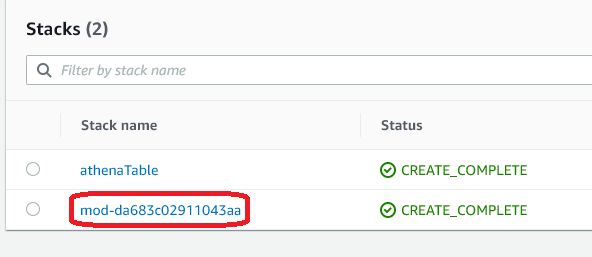
Go to the CloudFormation console and click on the stack beginning with mod-
Click the Outputs header and copy the value for ConsoleIAMLoginUrl. Also note the password in the LFUsersPassword output - you’ll use this to login.
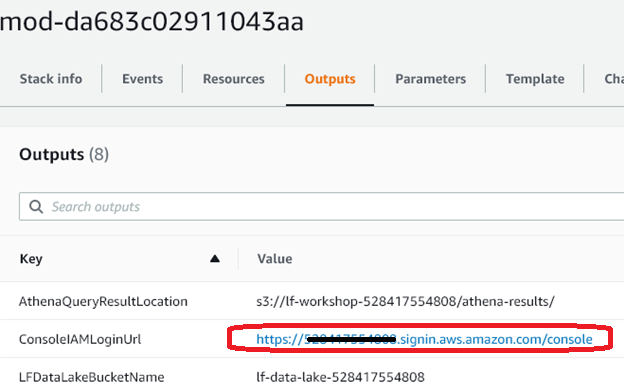
Sign out of the AWS account and then paste the url into your browser. Proceed to login with username of lf-admin and the password.